Settings
Displays, sound, network, power, privacy, language and region.
Nox OS Preview
Ubuntu 24.04 LTS and the COSMIC desktop, with our own shell and apps on top — one look, one language, nothing running behind your back.
Preview · Installer image coming soon
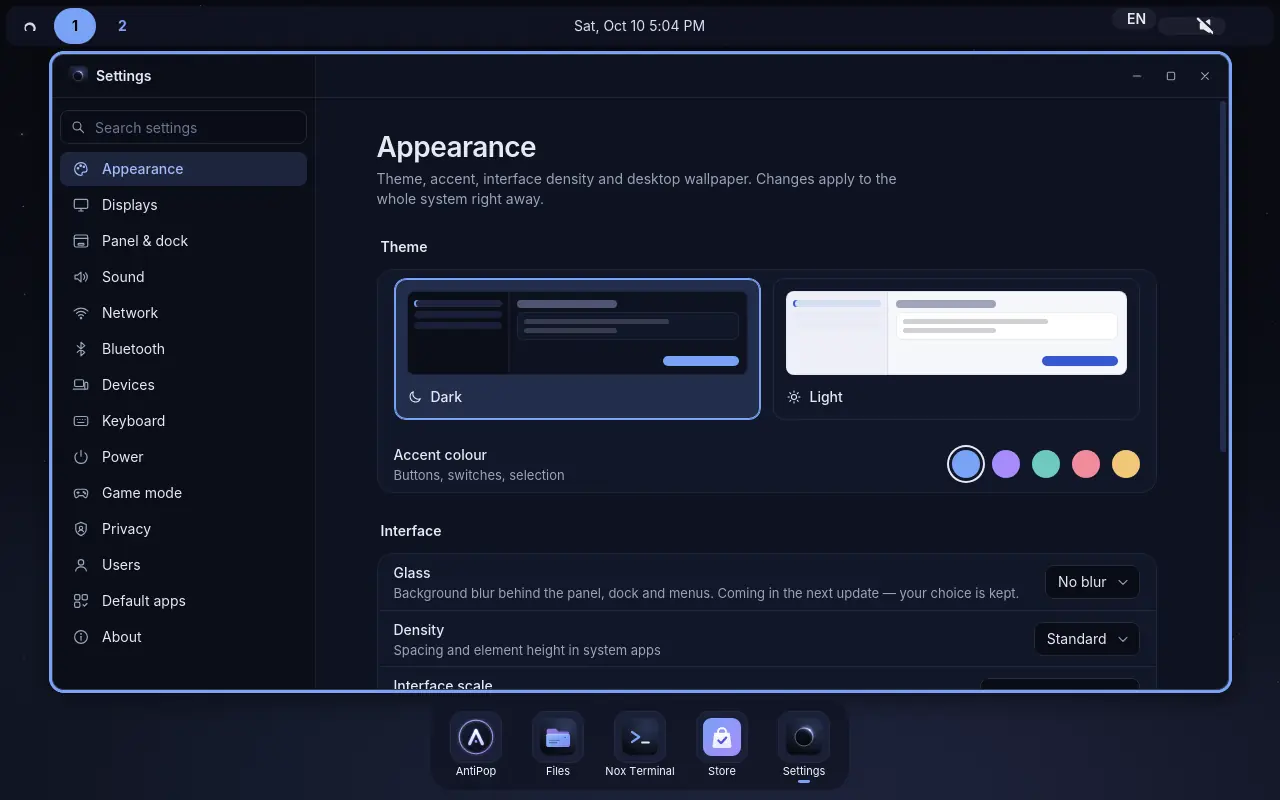
The shell
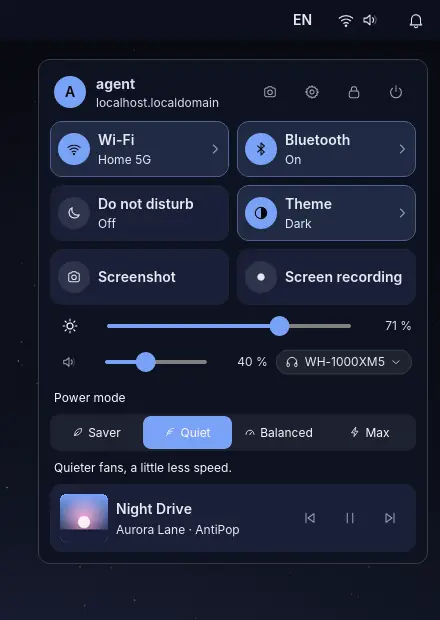
A thin panel, a dock and a control centre that answer the questions you actually have.
Apps
The everyday tools are built for Nox: same window header, same buttons, light and dark themes, English and Russian.
Displays, sound, network, power, privacy, language and region.
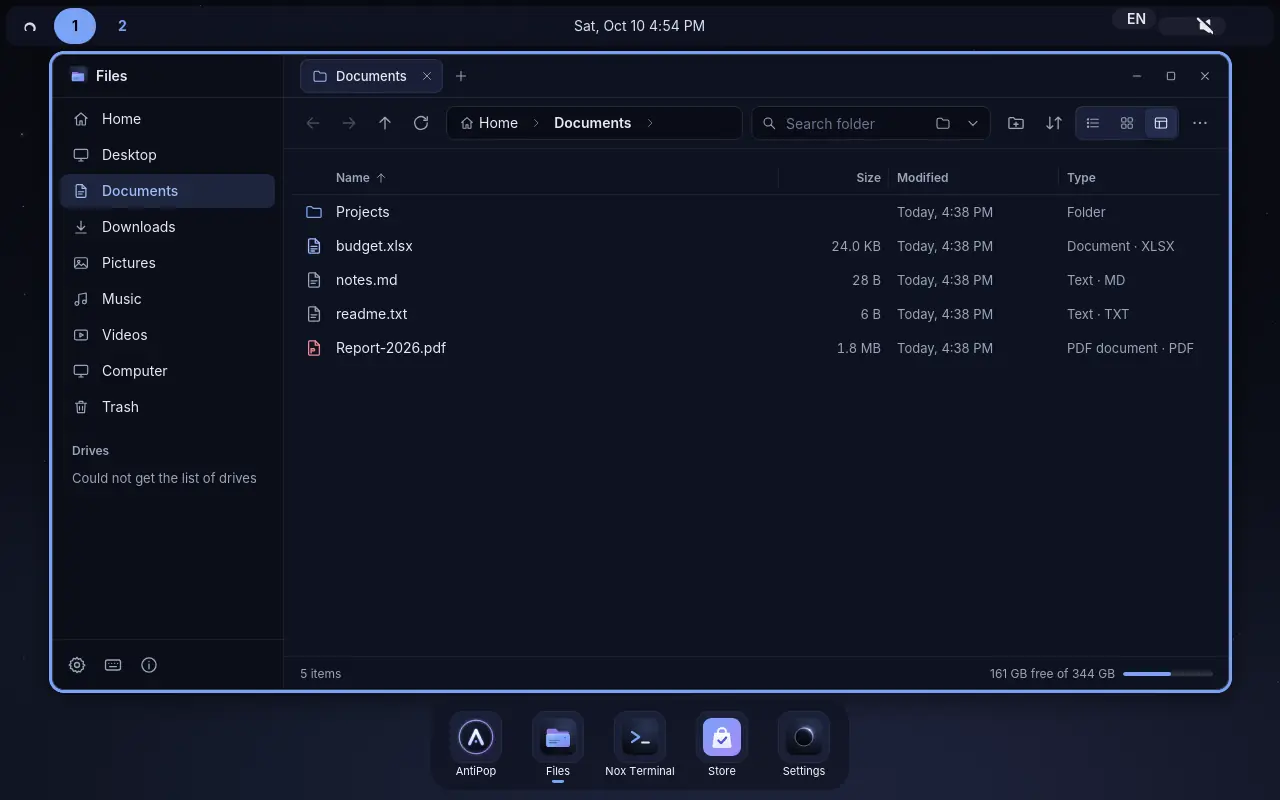
A fast file manager with tabs, drives, list and grid views.
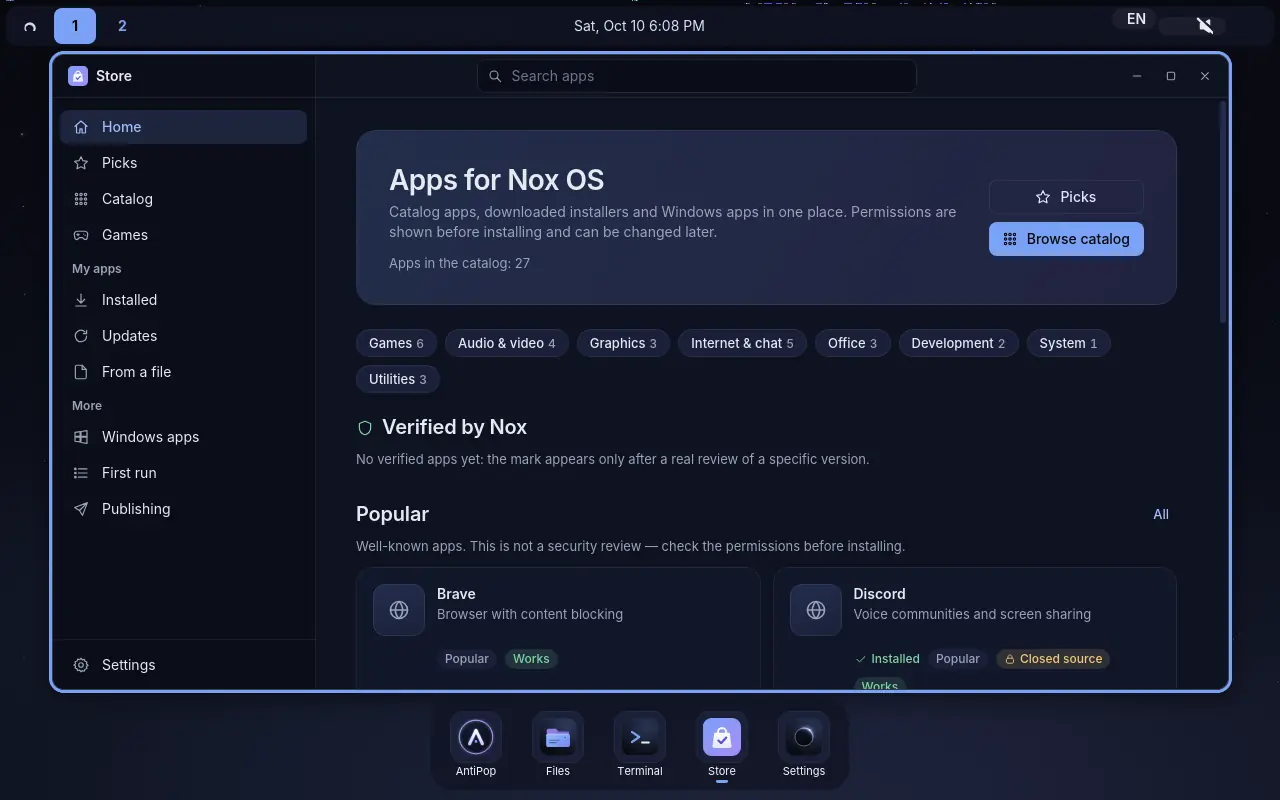
Catalogue apps and downloaded installers in one place, permissions shown first.
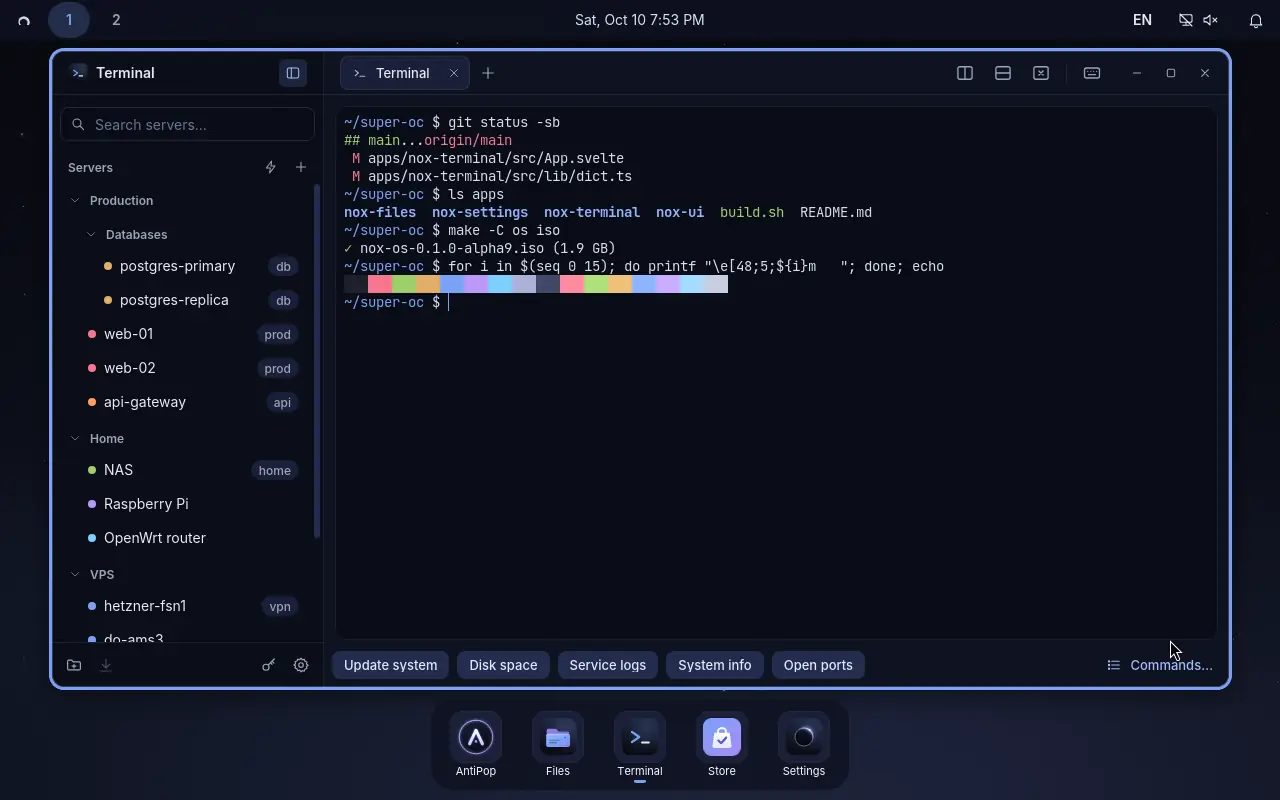
Local shell, SSH and SFTP, saved hosts and split panes. No cloud.
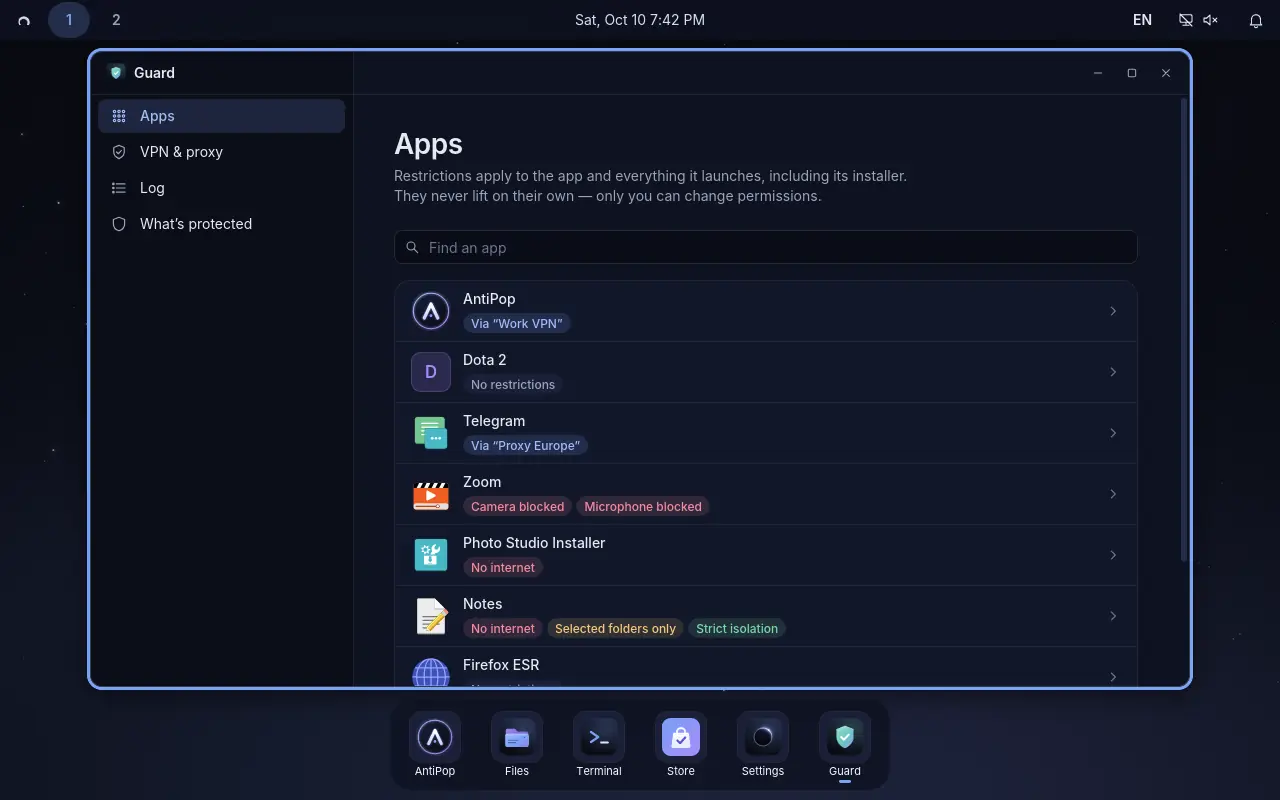
Per-app limits for internet, camera and microphone, and per-app VPN or proxy.
Updates only when you click, a restore point before each one, and backups.
Send screenshots and files through a private Tor link.
Photos and PDFs; video and music on the mpv engine.
A clean text editor with tabs.
Language, Wi-Fi, theme, browser and apps on first start — skippable.
The quiet browser, preinstalled and updated with the system.
Matching icons, login screen, boot menu and splash.
Installation
Try Nox from a USB stick without installing. When you do install, you see exactly what will change — before anything is written.
Put Nox on a free disk or partition and keep Windows as it is, or give Nox a whole drive. Disk encryption is offered during setup.
Nox boots through the Microsoft-signed shim and Ubuntu’s signed kernel, and uses Canonical-signed NVIDIA drivers. No keys to enrol, nothing to switch off in the firmware — so Windows games that require Secure Boot keep working.
Nothing installs on its own. Press “Update”, and a restore point is made first. Nox and AntiPop come from our signed repository; the kernel, boot loader and drivers come only from Ubuntu.
Long-term support, the Ubuntu hardware kernel and the COSMIC desktop underneath. Software made for Ubuntu works here too.
Status
Nox OS is in preview. We test every build in a virtual machine and on real hardware before publishing it. The first public installer image will appear on the download page with its size and checksum.
AntiPop runs on Ubuntu 24.04 today — and moves with you to Nox OS.