HTTP, HTTPS and SOCKS5 — with a login
Add proxies one by one or paste a list. Use one for the whole browser, a container, or specific sites.
AntiPop 0.8.1 Beta
A full Chromium 155 browser where blocking, dark mode, proxies, containers and Tor are already there — and the background chatter is gone.
Quiet by default
We start a fresh profile, leave it alone for more than five minutes and record every network event at the browser level.
Protection
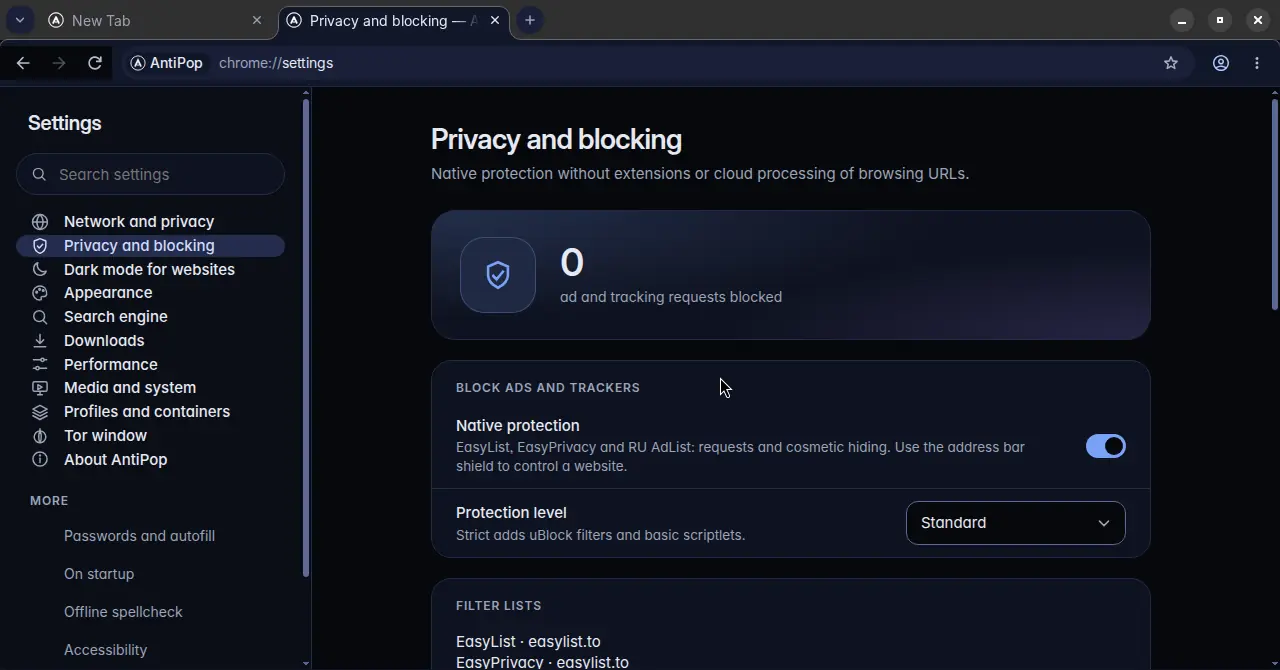
No extension to install, update or trust. Ads and trackers are stopped before they load, and empty ad slots are hidden.
Search
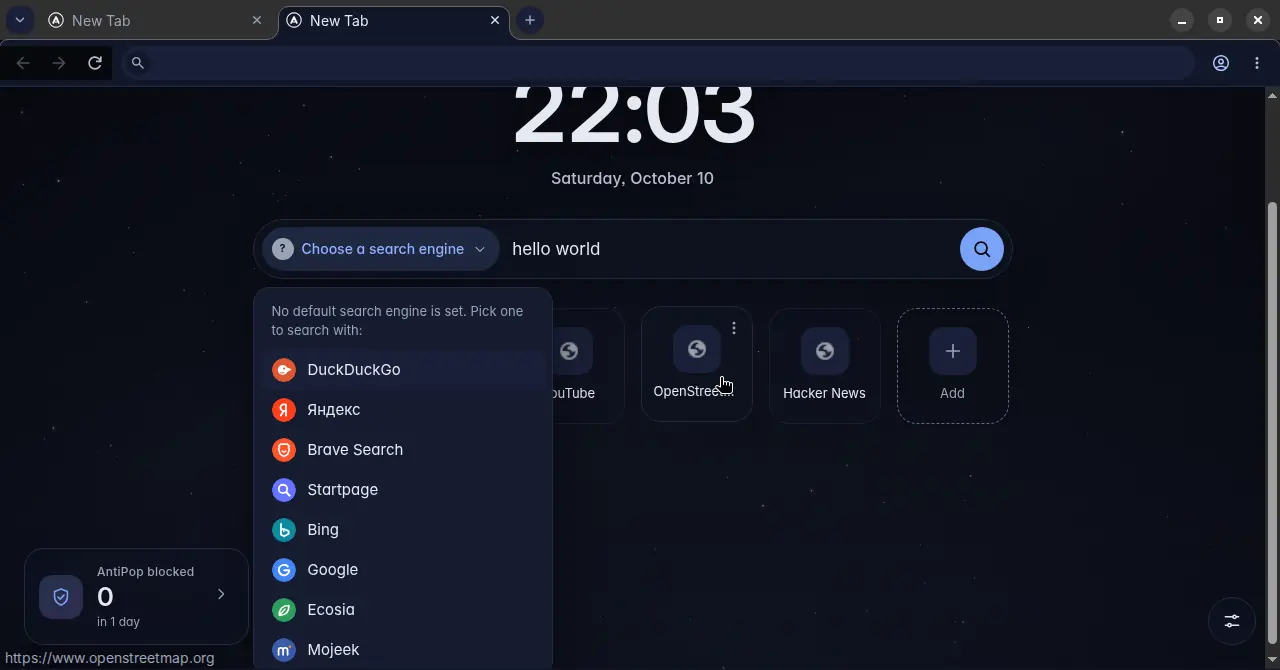
AntiPop doesn’t come with a search engine chosen for you. Type in the address bar and pick one of eight — the query is sent only after that.
Network
A proxy manager in the browser itself, with the details that usually give you away taken care of.
Add proxies one by one or paste a list. Use one for the whole browser, a container, or specific sites.
WebRTC and DNS go through the proxy as well. If the proxy stops working you see a clear page — the browser never quietly switches to your real connection.
Sites see the time zone of where your proxy is, worked out from a local database — no lookup service. Your system clock doesn’t change.
Whatever language your interface is in, sites get a neutral en-US by default. You can switch to your system languages or set your own list, with per-site exceptions.
Built in, not an extension. Global or per site, with brightness and contrast. Images and video keep their look, and sites that already have a dark theme aren’t processed twice.
Containers keep cookies and storage apart inside one window — work and personal mail side by side. Profiles are fully separate browsers with their own history and settings.
Open .onion sites from the menu — no separate Tor Browser needed. Isolated from your profile, no direct fallback. It isn’t Tor Browser and doesn’t claim its fingerprinting protection.
Safety
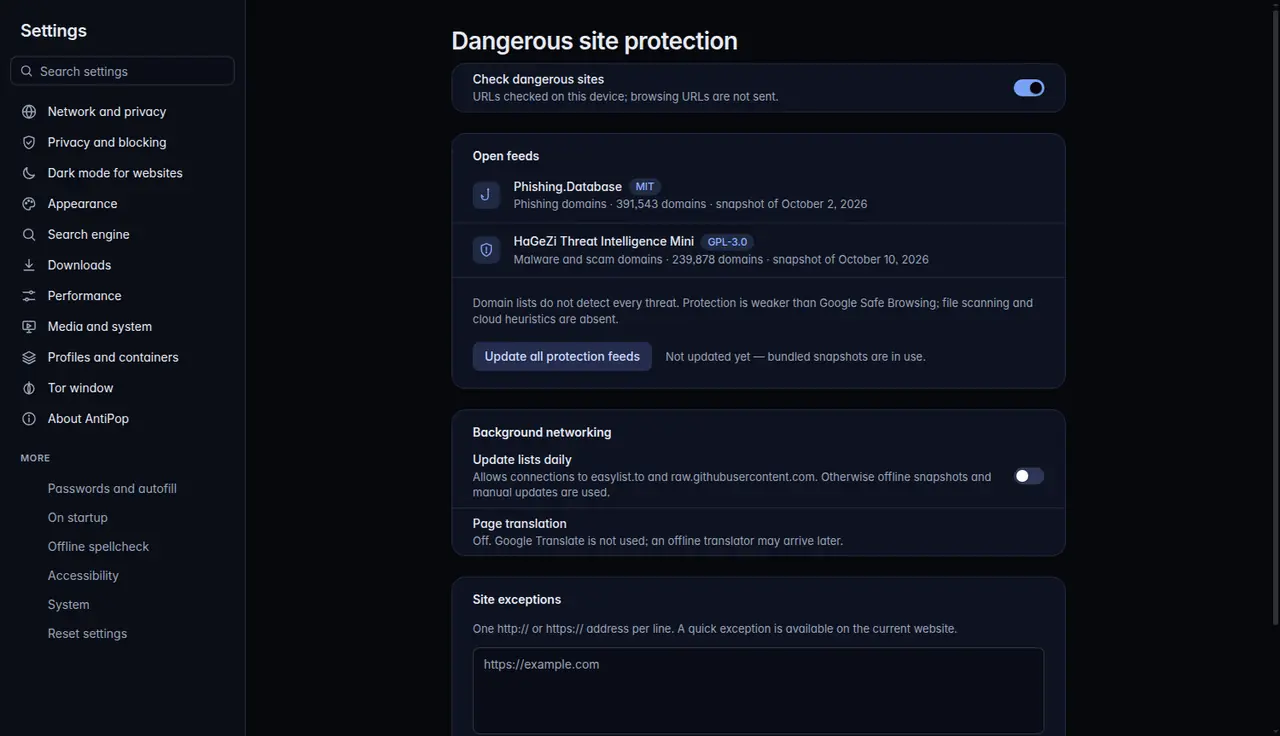
Before a page loads, its domain is checked against open lists of phishing and malware domains that ship with the browser.
Russian plus US, UK, Canadian and Australian English. Ready offline.
Saved on your computer. Viewing or exporting them asks for your system password.
A full extensions manager. Blocking and dark mode don’t need any.
System media controls, picture-in-picture, Nox styling. English and Russian interface.
Beta
We’d rather tell you now than have you find out later.
A .deb for 64-bit Ubuntu 24.04 and Nox OS. No macOS or Windows builds yet.
Google Translate is switched off for good. An offline translator may come later — only if it’s good enough.
The Widevine module isn’t included, so services that require it may not play.
There’s no account and no cloud sync. Moving data between browsers is done with import and export.